
Advance sight matters. It is the difference between answering 28 questions from memory in November and spending the autumn making sure the answers are ones you would be comfortable defending.
The essentials
- Window opens
- Third week of September 2026
- Deadline
- Late November 2026
- Who submits
- Responsible bodies eligible for annual DfE capital funding: local authorities, single and multi-academy trusts, dioceses for voluntary aided schools, and sixth form colleges. Not individual schools.
- How
- Manage your education estate service, via DfE Sign-in
- Format
- 28 multiple choice questions across six sections
- Uploads
- None. You are not asked to attach a single document.
What you will be asked
Twenty-eight questions, split across six sections:
- Strategic estate management6 questions
- Planning and organising your estate resources11 questions
- Understanding and managing your land and buildings7 questions
- Maintaining your estate2 questions
- Sustainability1 question
- Digital technology1 question
Some are single answer, some ask you to select everything that applies. The multi-select questions are the ones to watch, because they quietly test the completeness of what you hold rather than whether you hold anything at all.
How your answers are scored
Your responses are mapped against the standards, which run across four levels:
You get your result back after submission, along with optional feedback questions asking what is stopping you from meeting the standards. Capacity, competing priorities, expertise and data all feature in the options, which tells you something about what the DfE expects to hear.
Read it through and one theme emerges
Almost every question is really asking one thing: can you evidence it?
An estate vision. An estate strategy with three to five years of investment plans. An asset management plan that is reviewed. A climate action plan. Continuity plans that cover cyber, flood, utility loss and relocating pupils. Contractor due diligence. Condition survey data, and whether every site has been surveyed in the last five years. An asset register. Asbestos records. Tenure, lease and ownership documents. A statutory compliance record. A plan for the inspection and maintenance of the estate.
None of that is new. It is what good estate management has always looked like. What is new is being asked to declare, in one sitting, whether you have it.
The detail worth noticing
You do not upload anything. Not one certificate, not one plan, not one register.
That sounds like a relief, and on submission day it is. But it is worth sitting with for a moment. A return with no uploads is a return built entirely on your own declaration. You are putting a position on record for your estate, and that position needs to survive the next audit, the next inspection, the next insurer query, or the next serious incident, when somebody does ask to see the document behind the answer.
So the honest test for each question is not “can I tick this?” It is “if someone asked me for the evidence on Monday morning, how long would it take me to put my hands on it?”
What to do between now and the window opening
- 1Work through the questions with the people who hold the records. Estates, finance, health and safety, IT and the clerk between them hold the answers. One person guessing on behalf of all of them is how a return goes wrong.
- 2For each question, name the document. Not the intention, not the process, the actual file. If nobody can name it, that is your first gap.
- 3Check the dates. Several questions turn on recency: a strategy reviewed in the last year, condition surveys within five years, plans that have actually been tested. An expired document answers “no” just as firmly as a missing one.
- 4Pay attention to the multi-select questions. The question on what information you hold to manage the estate lists ten separate items, from the asset register to sufficiency data. It is easy to hold eight of them and never notice the other two.
- 5Write down what you cannot evidence. That list is your estates improvement plan for the year, handed to you by the DfE, free of charge.
The SEMS annual return readiness tracker
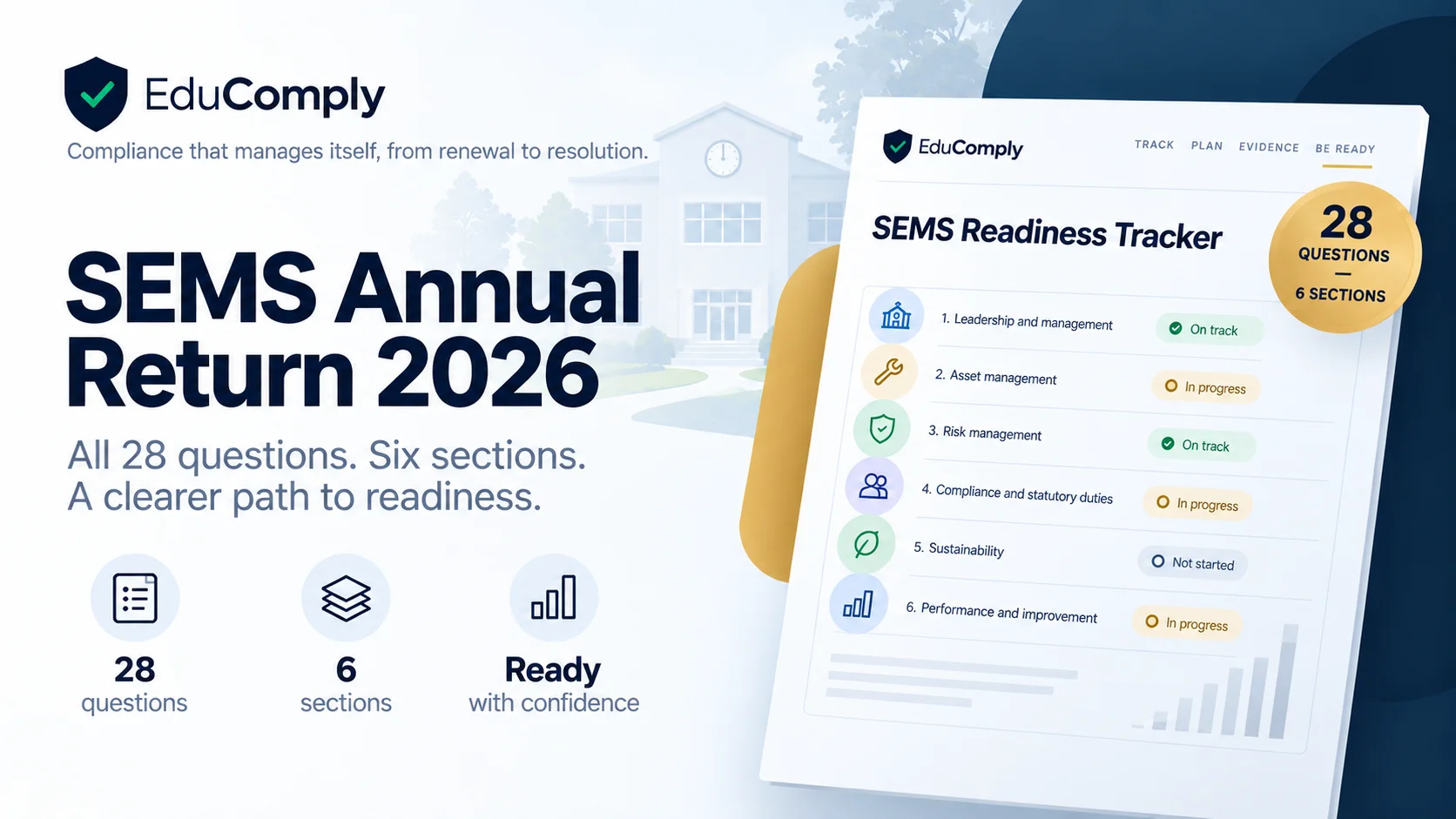
We have put all 28 questions into an Excel workbook so you can dry run the return before the window opens.
- All 28 questions in the DfE's own wording and order, with the full answer options for reference
- What each question is really asking you to evidence, written out question by question
- Status, location, owner, last reviewed and action columns, so gaps have a name against them
- A readiness dashboard that scores each of the six sections and shows you where to start
Where this usually falls down
For most schools and trusts, the work is already happening. Someone is booking the fire risk assessments. Someone is chasing the EICR remedials. Someone knows where the asbestos register lives.
The challenge is that it lives across shared drives, inboxes, spreadsheets and someone's memory. So a return that should take an afternoon turns into three weeks of asking colleagues whether the water risk assessment was ever revisited, and a set of answers that feel more like estimates than facts.
That is exactly the gap EduComply was built to close. Compliance records, condition data and estate documents in one place, with every status traceable to the certificate behind it. The annual return then becomes a matter of reporting what you already hold, rather than an exercise in finding out whether you hold it.
See what your return would look like
A short demo, walked through against your own estate and your own regimes. No slides unless you want them.
Book a demo